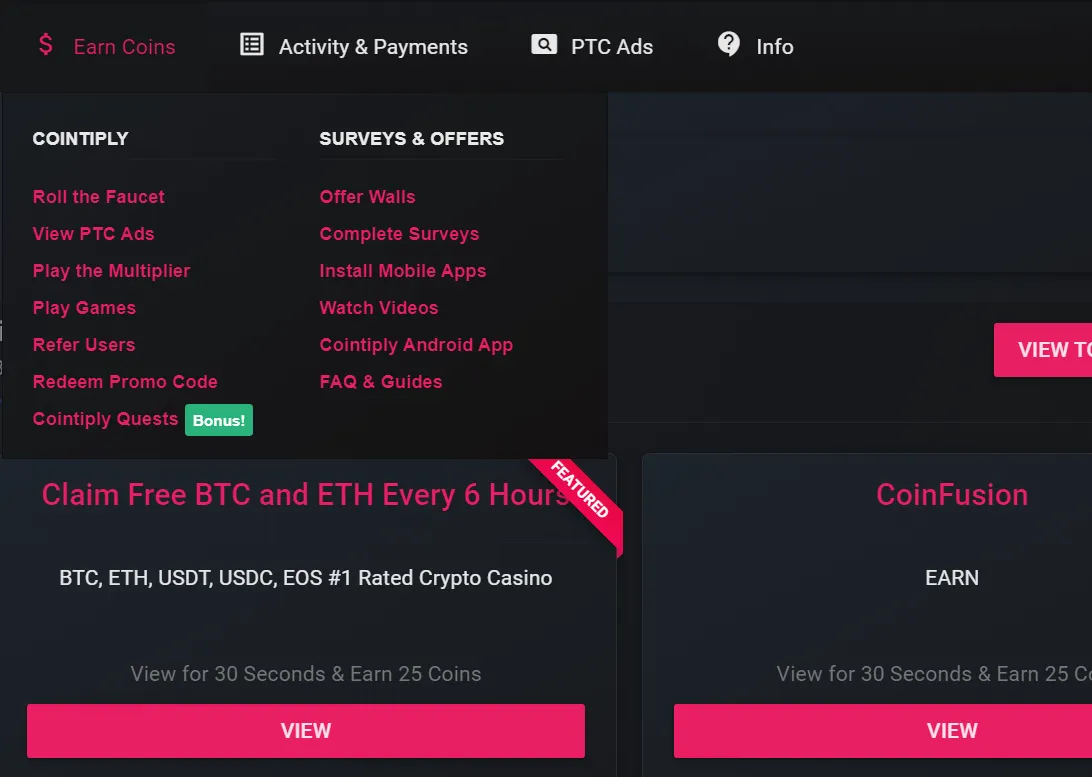
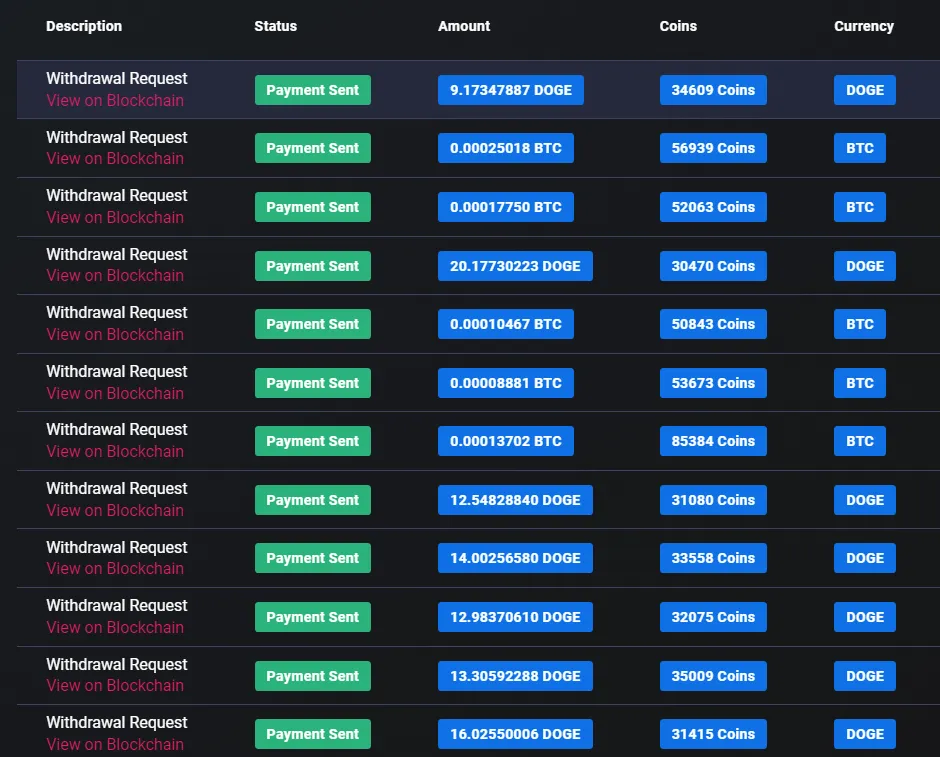
Cointiply is not only a place to earn Coins. Its self-service Paid-to-Click system lets advertisers put a link in front of a crypto rewards audience, choose delivery settings, fund the requested views, and submit the campaign for approval.
This guide shows how to launch a campaign, target relevant locations, and measure the actions that follow your paid visits.
Create a Cointiply PTC campaign
Cointiply PTC advertising at a glance
| Item | Current details |
|---|---|
| Ad format | Self-service Paid-to-Click campaign |
| Traffic type | Incentivized visits from eligible Cointiply users |
| Campaign creation | Available through Create a PTC Ad in the PTC tab |
| Campaign fields | Destination URL, title, description, number of views, and timer length |
| Funding | Existing Cointiply Coin balance or cryptocurrency deposited into the account |
| Geo targeting | All countries, selected regions, or individual countries |
| Approval | Cointiply says most PTC ads are reviewed within approximately 6 to 24 hours |
| Best suited for | Relevant projects seeking controlled exposure to a crypto and rewards audience |
| Main limitation | Visits do not guarantee registrations, purchases, or profitable results |
How to create a Cointiply PTC ad
Cointiply's documented campaign process is:
- Sign in and go to the PTC tab.
- Select Create a PTC Ad.
- Read the current advertising guidelines.
- Enter the campaign information requested by the interface.
- Review the selections and submit the advertisement for approval.
- Wait for Cointiply to review the campaign. Most ads are currently reviewed within approximately 6 to 24 hours.
- Once the ad is approved and funded, eligible users can see it while campaign inventory remains.
Campaign delivery begins after the ad is approved and funded. Read the advertising guidelines before submitting to give the review team a suitable campaign.
Choosing your campaign settings
Destination URL
The destination URL is the page viewers open after choosing the PTC ad. Check that it works, loads securely, and leads directly to the page relevant to the message in the ad. Sending users through unnecessary steps can make it harder for them to understand the offer.
Title and description
The title and description introduce the destination before a user visits. Describe it accurately and avoid promises the landing page cannot support.
Cointiply's live form and guidelines determine the current formatting and content limits. Do not rely on old third-party articles for character counts or other interface details.
Number of views
The number of views sets the campaign inventory. Choose a small initial campaign and measure its results before buying more visits.
Timer length
The timer controls how long a user must keep the destination in focus. The live interface shows available choices and their effect on cost. Choose based on how long the page needs to communicate its value.
Campaign cost depends on the live selections. Static prices and unofficial ad tiers can become inaccurate.
How Cointiply geo targeting works
All Countries
Selecting All Countries means worldwide distribution. If a campaign needs specific locations, remove All Countries before choosing regions or individual countries. Leaving it selected would keep the audience broad rather than limiting delivery to the narrower choices.
Regions and individual countries
Advertisers can select one or more regions and countries. When geographic selections overlap, the broadest selection takes precedence. For example, selecting North America and United States still targets the full North America region. Choosing the country as well does not narrow the region.
Use regions for broad reach. Select individual countries without their parent region when country-level targeting is required.
Limits of geo accuracy
IP and geolocation systems are not perfect. Cointiply notes that a small amount of traffic may appear outside the geography selected for a campaign. Advertisers should treat targeting as a useful delivery control, not a mathematically exact boundary.
What kind of traffic are you buying?
Cointiply PTC provides incentivized traffic. A typical viewer chooses the ad, keeps the destination page in focus for a countdown, completes a CAPTCHA, and receives Coins after the view is confirmed. The reward is part of the reason the person visits.
That is different from organic Google traffic or purchase-intent search traffic. A PTC visit does not guarantee a registration, purchase, deposit, email signup, or profitable return. Conversion depends on audience relevance, geographic targeting, the offer, the message, campaign setup, and the quality of the destination page.
PTC can provide exposure to crypto and rewards users, support message testing, or introduce a permitted affiliate page. Set a clear goal and measure how visitors respond.
Practical campaign advice
The following points are general campaign advice, not official Cointiply policy:
- Match the offer to Cointiply's crypto and rewards audience.
- Use geographic targeting when availability, language, or eligibility depends on location.
- Make the landing page mobile-friendly and quick to load.
- Communicate the value proposition quickly.
- Use one clear primary call to action.
- Remove unnecessary form fields and other friction.
- Test one major variable at a time.
- Track registrations, leads, or other meaningful outcomes when possible.
Counting visits alone does not show whether a campaign worked. Define the desired action before buying traffic, then compare completed actions with campaign delivery.
Paying for a campaign
Cointiply currently allows PTC campaigns to be funded with an existing Cointiply Coin balance or with cryptocurrency deposited into the Cointiply account. The live campaign interface calculates cost from the options selected, including the requested delivery settings.
Check the displayed total before submission. This guide does not publish fixed prices because campaign options and pricing can change.
Campaign review time
Cointiply says most PTC ads are reviewed within approximately 6 to 24 hours. An approved, funded campaign can then appear to eligible users.
Cointiply PTC for advertisers and earners
| Role | What the person does | Primary goal |
|---|---|---|
| Advertiser | Creates the campaign, chooses settings, funds views, and measures results | Buy relevant incentivized visits |
| Earner | Selects an ad, waits through the timer, completes the CAPTCHA, and receives Coins after confirmation | Earn the displayed reward for a valid view |
This page focuses on the advertiser workflow. Read my guide to earning with Cointiply PTC ads for the separate viewer process, credit confirmation, and troubleshooting steps.
Full Cointiply review
Advertising is separate from Cointiply's broader rewards platform. Read my full Cointiply review for details about Coins, surveys, offerwalls, bonuses, optional annual interest, and cryptocurrency withdrawals.
Who should consider Cointiply PTC advertising?
Potential fits include:
- Crypto or rewards websites seeking exposure to a related audience.
- Referral marketers whose destination is permitted under the advertising guidelines.
- Small online projects testing awareness or a landing-page message.
- Advertisers who understand incentivized traffic and can measure actions beyond visits.
Campaigns requiring strong purchase intent, exact geo enforcement, or guaranteed conversions need another acquisition channel.
Final verdict
Cointiply's PTC system gives advertisers a straightforward way to buy incentivized visits and control views, timer length, and geography. For a site, offer, or referral page that fits its crypto rewards audience, a small measured campaign can be a practical way to test exposure. The result still depends on targeting, audience fit, and the landing page rather than the raw number of clicks.
Disclosure: Campaign options, pricing, approval times, and advertising policies can change. Some registration links on this site may be referral links, which can support this website at no additional cost to you.